
Operational reports
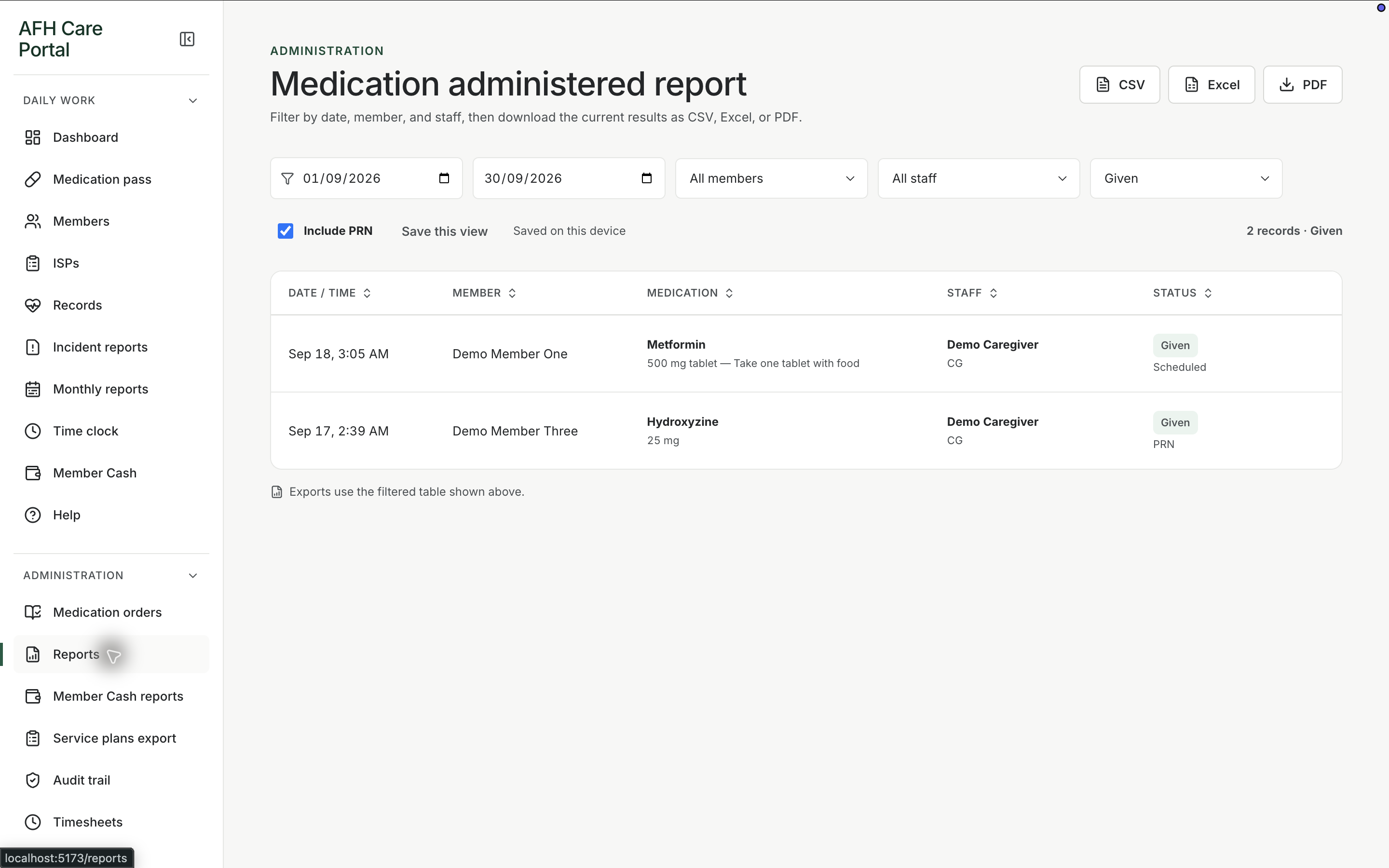
Pull care activity into a reviewable report when a manager, family, or licensing conversation needs more than the live screen.
What it does
Built for the work on the floor.
Reports is the administrative view for looking back across the home. Daily screens are for doing the work. Reports are for answering a question after the fact: what was documented, who was involved, and what can be exported. The portal does not replace a surveyor’s judgment. It gives the home a place to assemble activity that was already recorded.
- Administrative reporting workspace
- Built from recorded portal activity
- Support for review and export-style follow-up
Start from work that already happened
Reports read documented activity rather than asking staff to type a summary from memory.
Use it for review, not for charting
Charting stays in pass, records, incidents, and MAR. Reports is where a manager looks across that work.
Related workspace
Nearby tools in the same portal.
Active instructions
Medication orders
Keep the medicine, member, directions, schedule, and status in a structured order that the pass can actually follow.
Fund review
Member cash reports
Review personal-fund activity over a period when a family, manager, or audit question needs the ledger in report form.
Packets and copies
Service-plan export
Produce a copy of service-plan information when a review, family request, or licensing conversation needs the plan off the screen.