
In-portal help
Open step-by-step help from the dashboard when a new caregiver needs the workflow explained in the product, not in a binder.
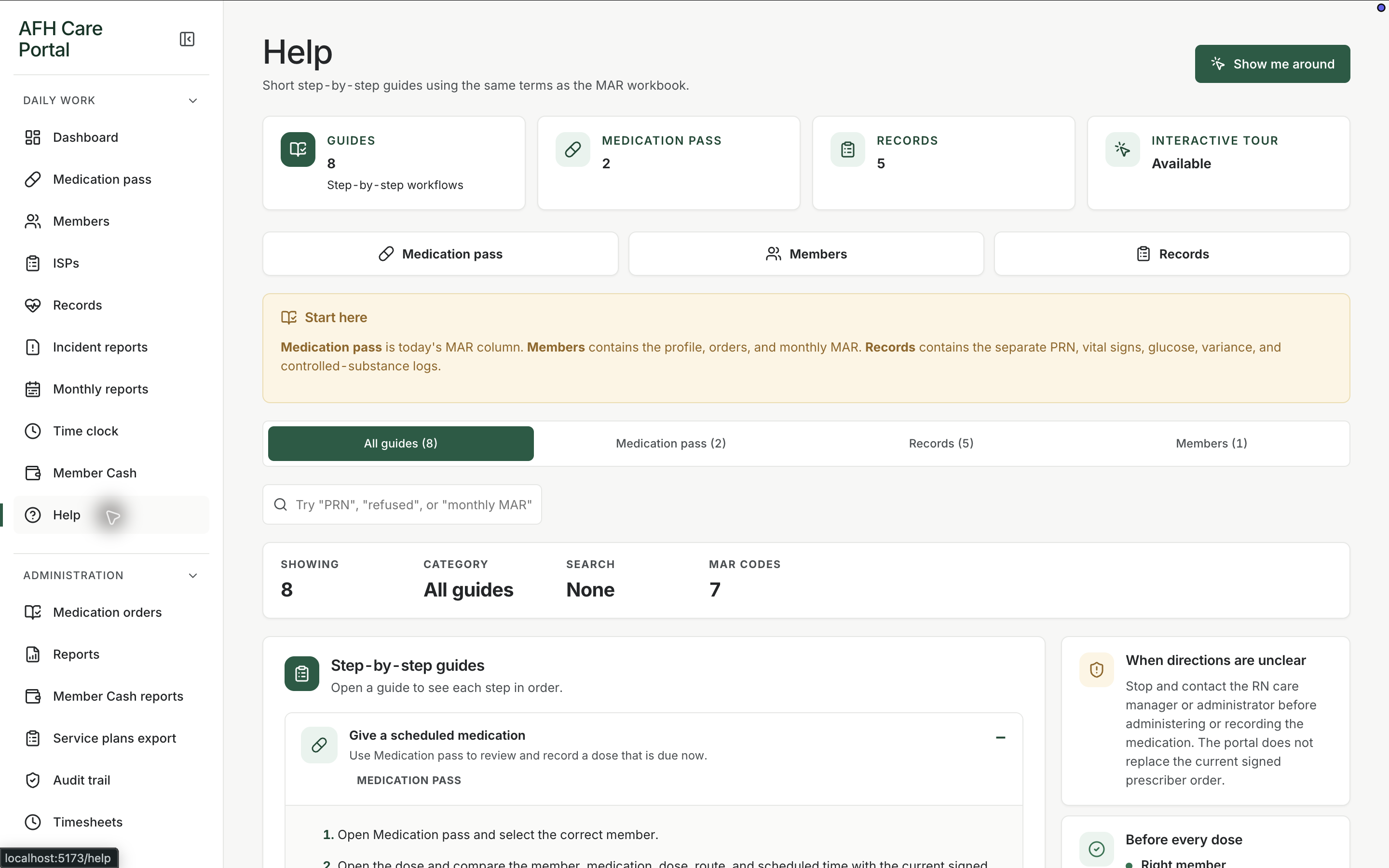
What it does
Built for the work on the floor.
Help is the guided explanation of the portal. The dashboard offers a tour of the four summary cards and a link to step-by-step help. New staff can learn the path—pass, records, members—without a separate training site. Help does not document a member. It documents how to use the workspace.
- Dashboard guided tour
- Step-by-step in-portal help
- Training that lives next to the work
Take the tour once
The dashboard tour names remaining, overdue, completed, and exception cards so a first shift has a map.
Open step-by-step help later
Help stays in the daily-work menu when someone needs the explanation again.
Related workspace
Nearby tools in the same portal.
Start of the day
Shift dashboard
See remaining doses, overdue work, exceptions, and the next three actions before anyone opens a member chart.
Daily administration
Medication pass
See every member’s standing for the day, then open a person and record the dose, route, time, and outcome.
Resident information
Member profiles
Keep safety context, allergies, diagnoses, orders, incidents, and monthly reporting around the person, not scattered across binders.