
Home settings
Adjust how the home uses the portal without asking a developer to change a shift workflow.
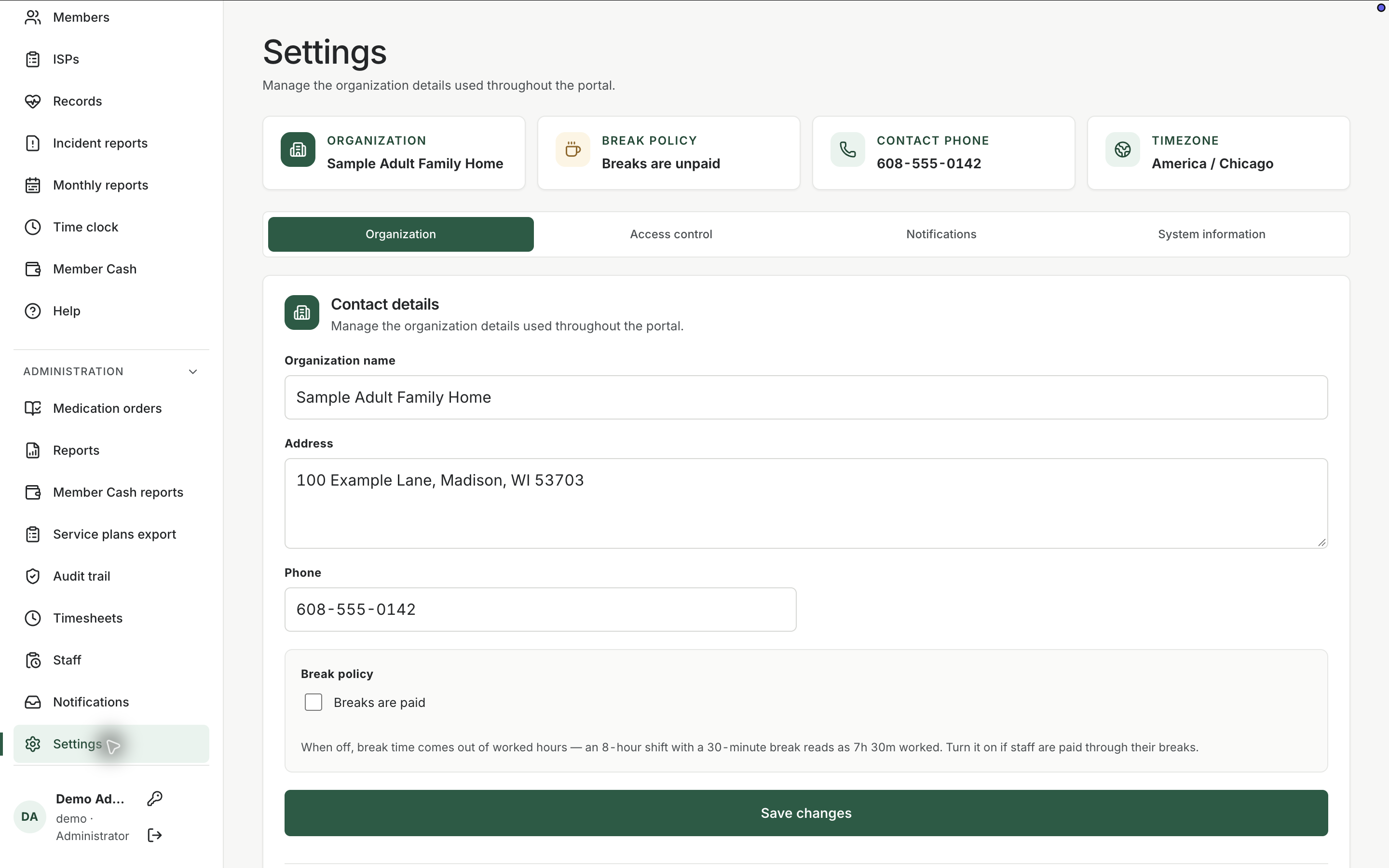
What it does
Built for the work on the floor.
Settings is the administrative configuration for the facility. Staff, orders, and documentation stay in their own screens. Settings is where a manager changes home-level options, including account tools such as password changes from the sidebar. The public website demo does not expose every possible configuration. The live portal keeps those controls with people who already administer the home.
- Facility-level portal configuration
- Account tools such as password change
- Separated from daily charting screens
Change the home, not a single chart
Use settings for facility-level options. Use member and order screens for a person.
Keep account security with the person
Password changes live with the signed-in staff account so credentials are not shared on a wall.
Related workspace
Nearby tools in the same portal.
Active instructions
Medication orders
Keep the medicine, member, directions, schedule, and status in a structured order that the pass can actually follow.
Review and export
Operational reports
Pull care activity into a reviewable report when a manager, family, or licensing conversation needs more than the live screen.
Fund review
Member cash reports
Review personal-fund activity over a period when a family, manager, or audit question needs the ledger in report form.