
Time clock
Clock in, clock out, and see coverage for the shift without a separate attendance binder.
What it does
Built for the work on the floor.
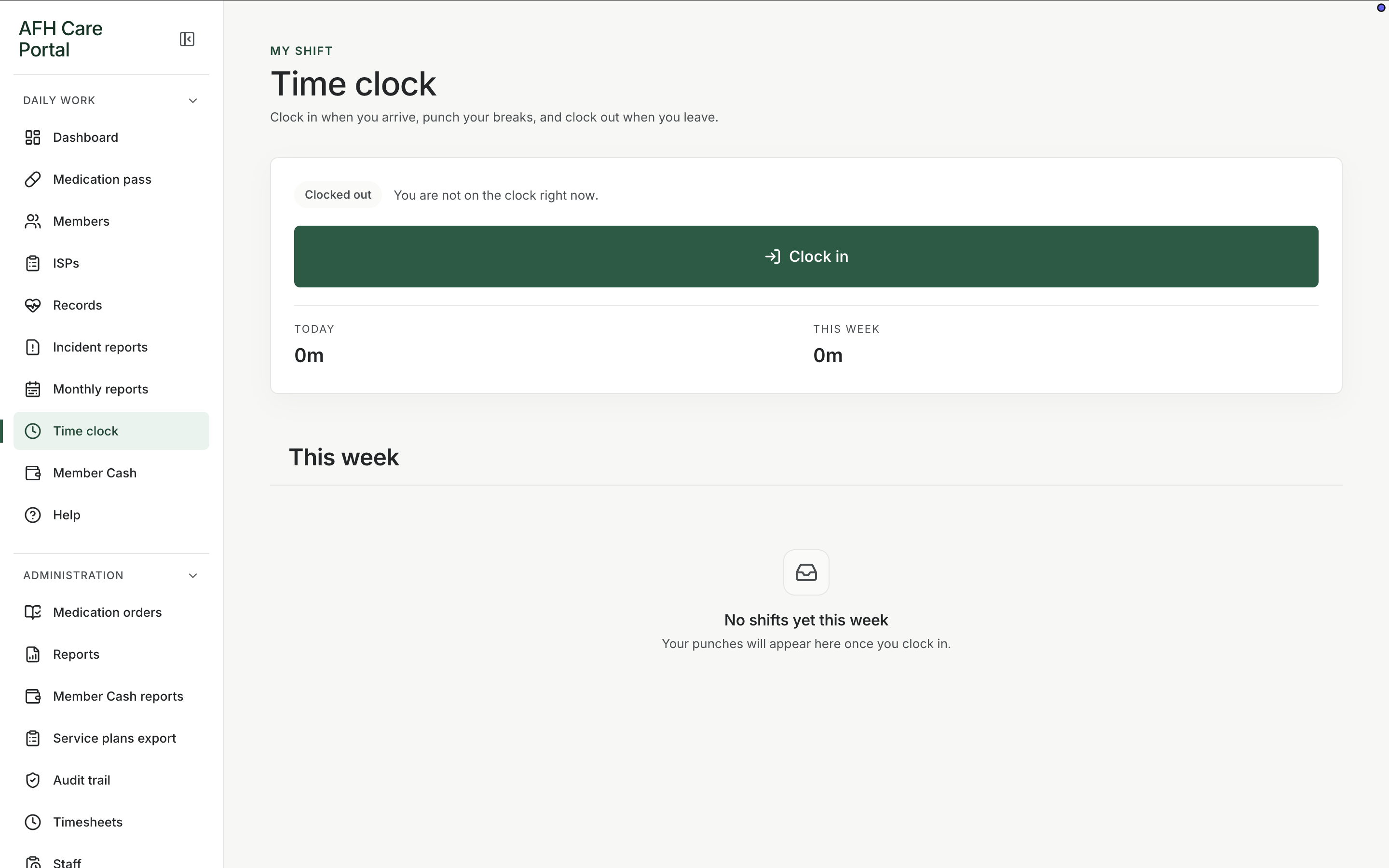
Time clock is the attendance tool for the people working the home. Staff clock in from the dashboard header or the time-clock screen, clock out at the end of the shift, and leave a record that later becomes timesheet data. The point is coverage and a clean hours record, not a payroll product with tax filing. Combined with the dashboard clock-in control, a manager can see whether the shift actually started.
- Clock in and clock out
- Dashboard clock-in control
- Hours that feed timesheets
Start the shift in the same portal as care
Clock in is available from the dashboard header so attendance is not a different login.
Close the shift on the way out
Clock out and break handling live on the time-clock screen so hours are not reconstructed from memory.
Hand hours to timesheets
Administration timesheets read from the same clock events, so payroll prep starts from the punches, not a second spreadsheet.
Related workspace
Nearby tools in the same portal.
Start of the day
Shift dashboard
See remaining doses, overdue work, exceptions, and the next three actions before anyone opens a member chart.
Daily administration
Medication pass
See every member’s standing for the day, then open a person and record the dose, route, time, and outcome.
Resident information
Member profiles
Keep safety context, allergies, diagnoses, orders, incidents, and monthly reporting around the person, not scattered across binders.